 Relentless
Goals · Day · Progress
Show up.
Every day.
Relentless.
One app to set your goals, run your day, and see your progress. Watch it work.
See how it works →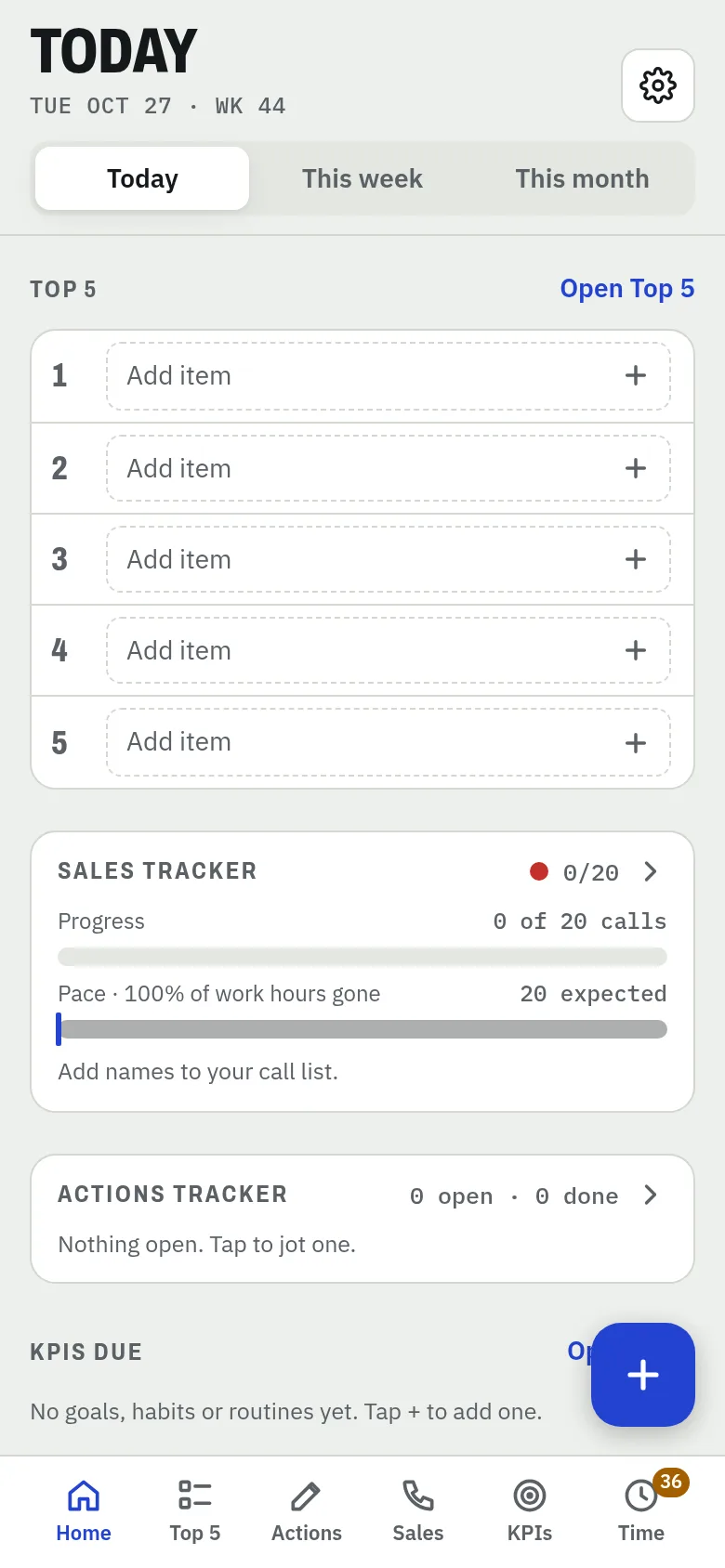
 Relentless
Why did we build this?
Ever find yourself juggling notepads full of action items, an app to track time, a calendar for reminders, notes for everything else, and a goals spreadsheet buried somewhere in the stack? Trying to build good habits and routines while juggling apps for different areas of your life.
Relentless pulls it into one place — built for rapid planning and execution, prioritizing the right things, and hitting your KPIs.
Features
Everything you need to plan fast, execute, and prove it.
Goals
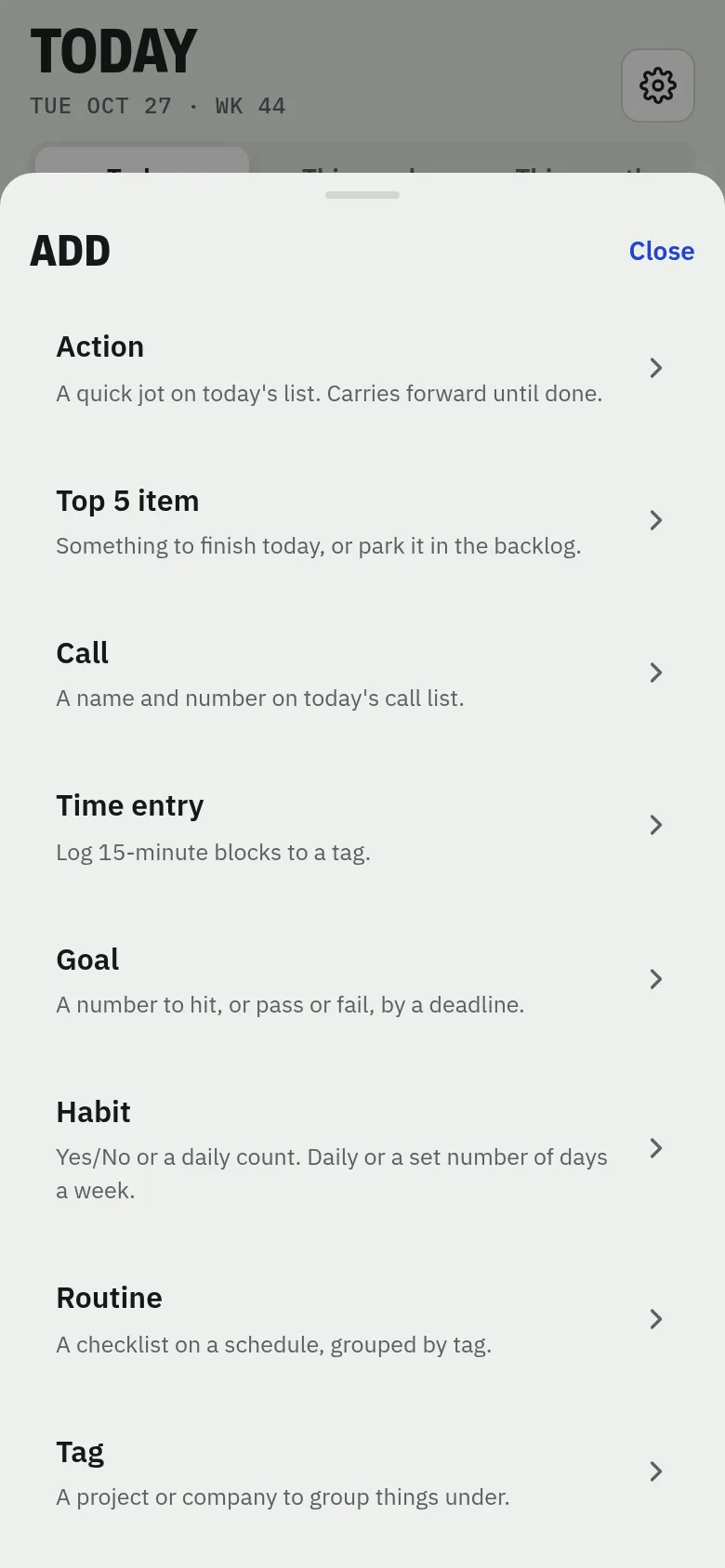
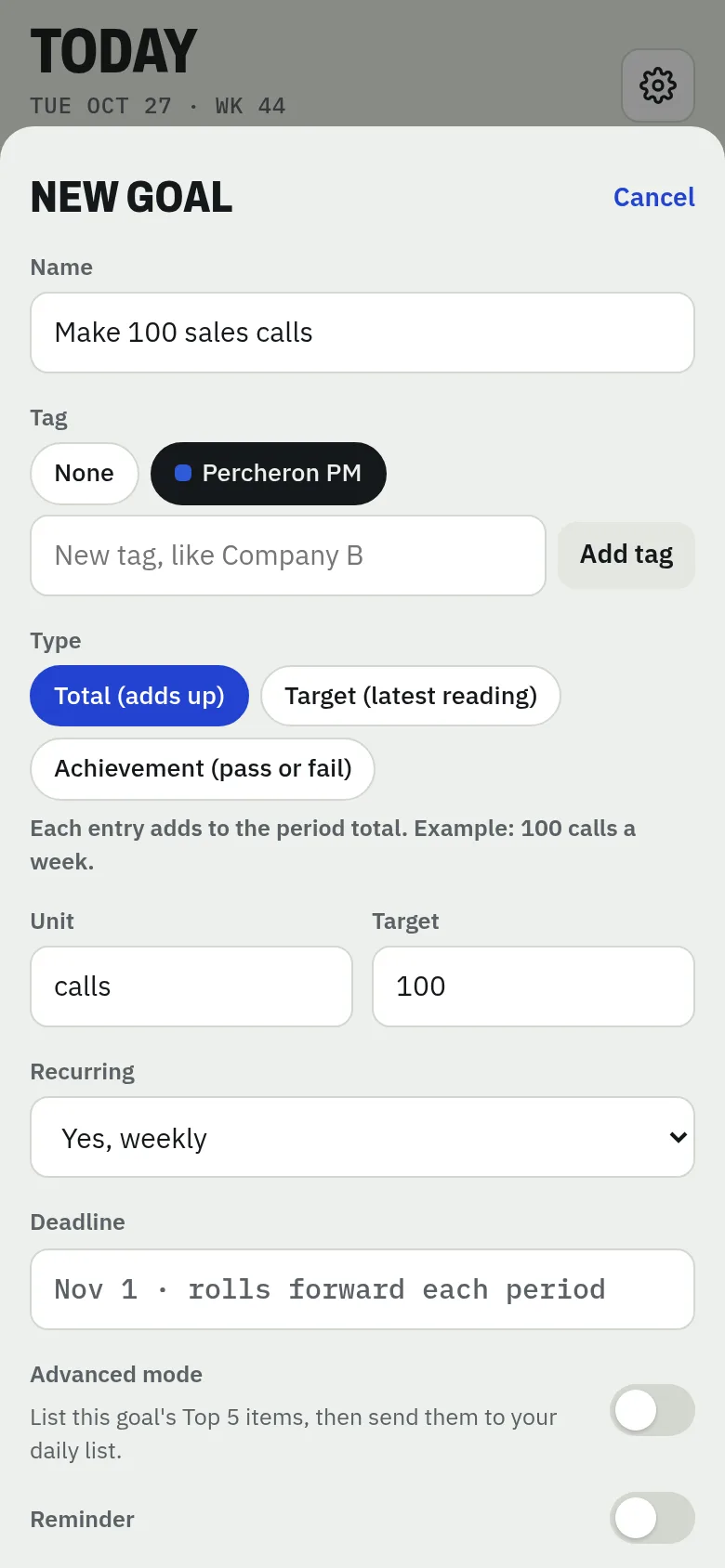
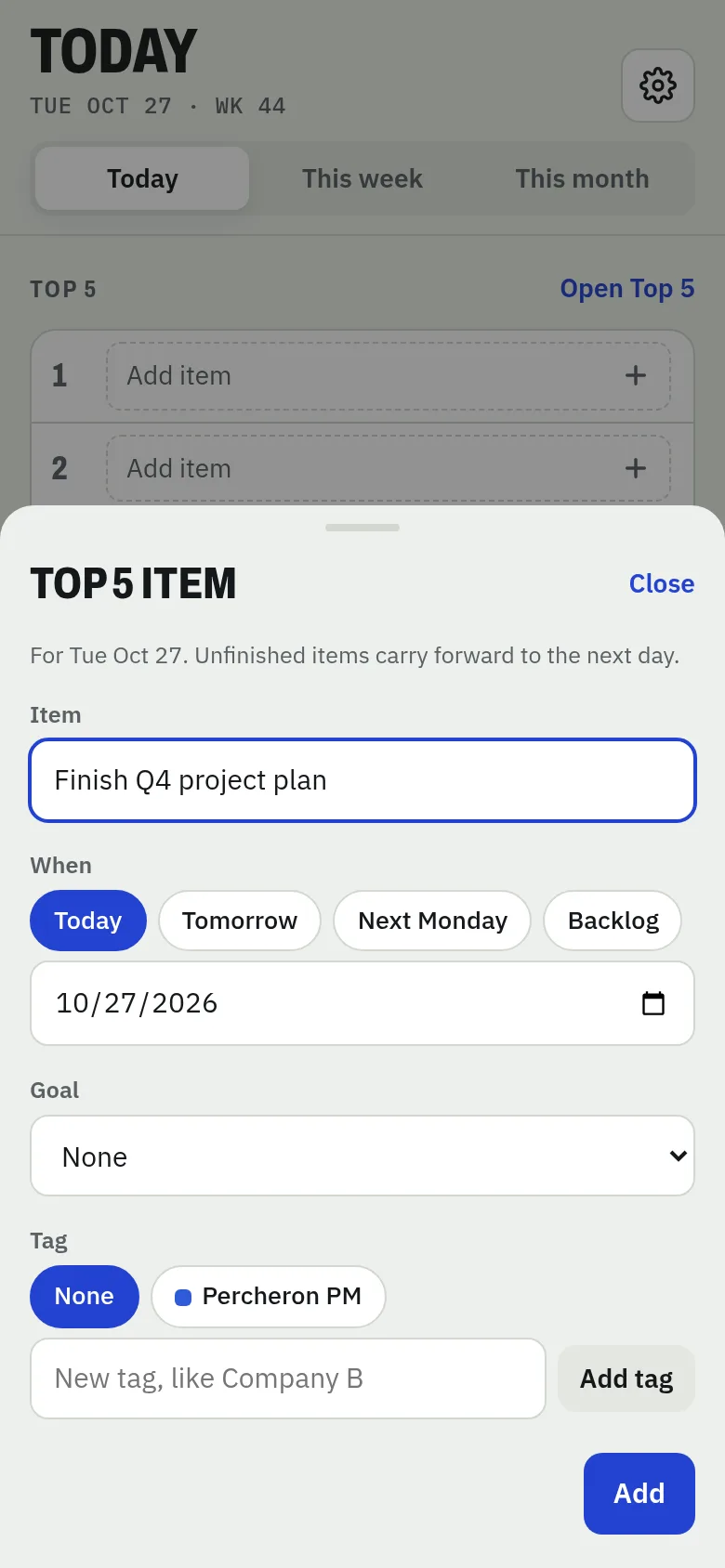
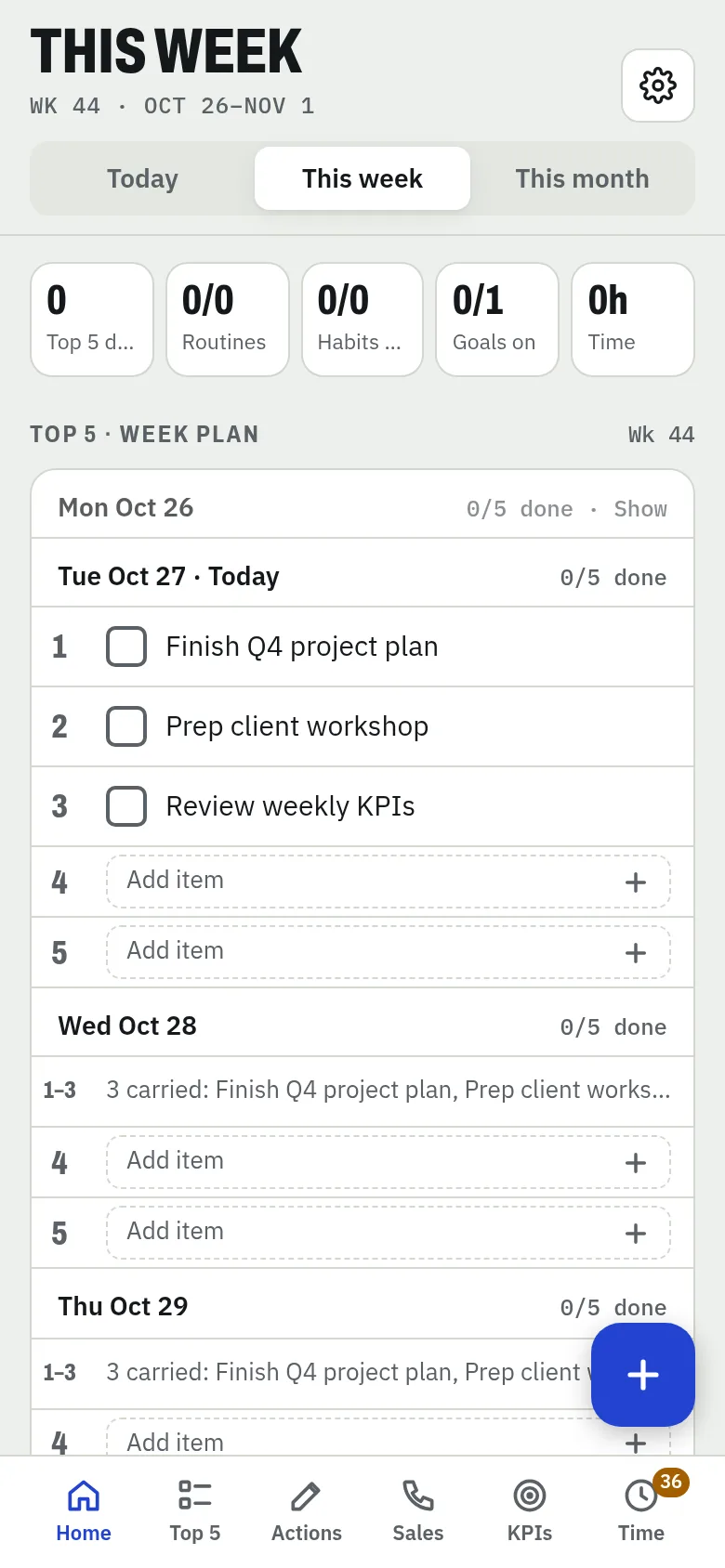
Set a goal, then break it into Top 5 items that move it forward.
Top 5
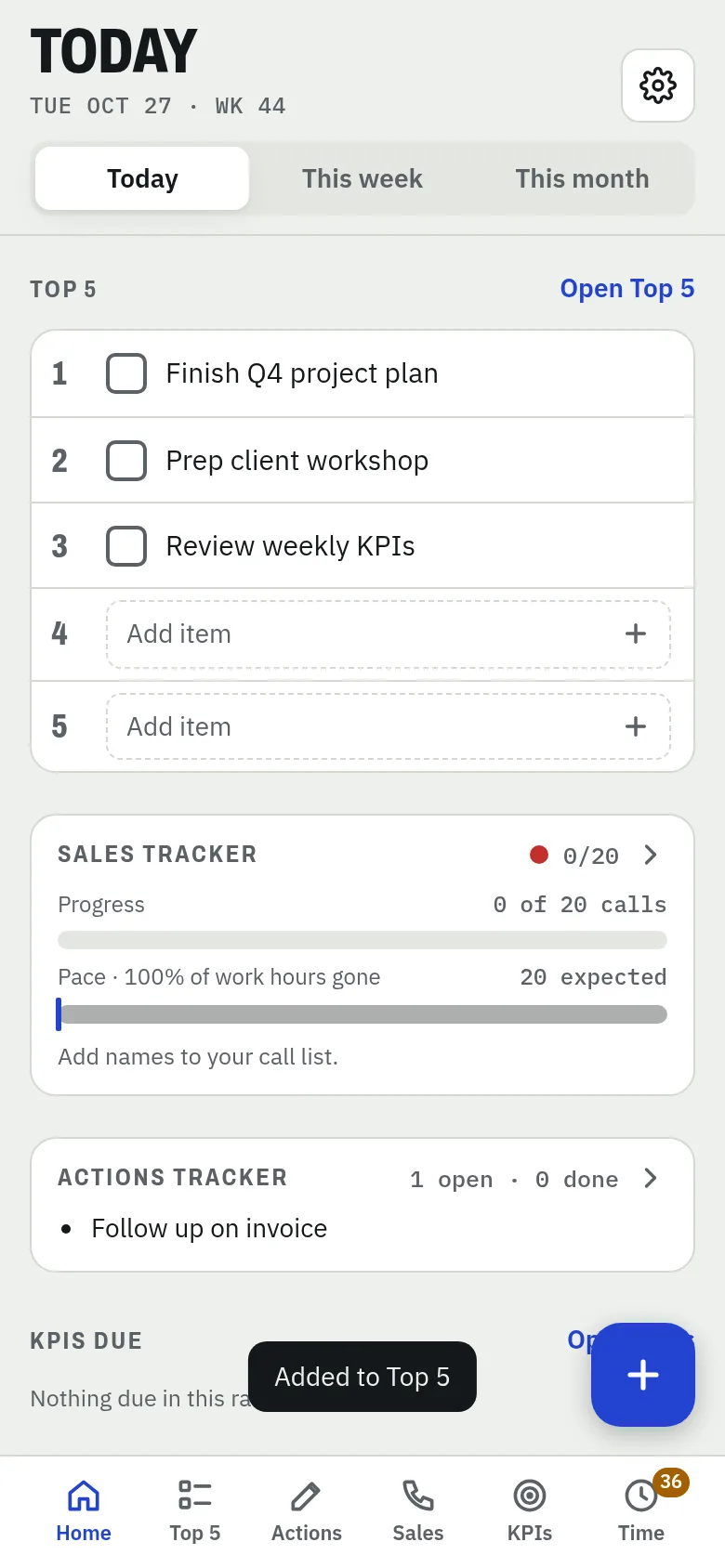
Inspired by the Ivy Lee Method: five priorities a day, in order. Unfinished ones carry forward.
Cornerstones
Pick 3 focus habits for your home screen. Do or die — keep them front and center until they're done.
Progress
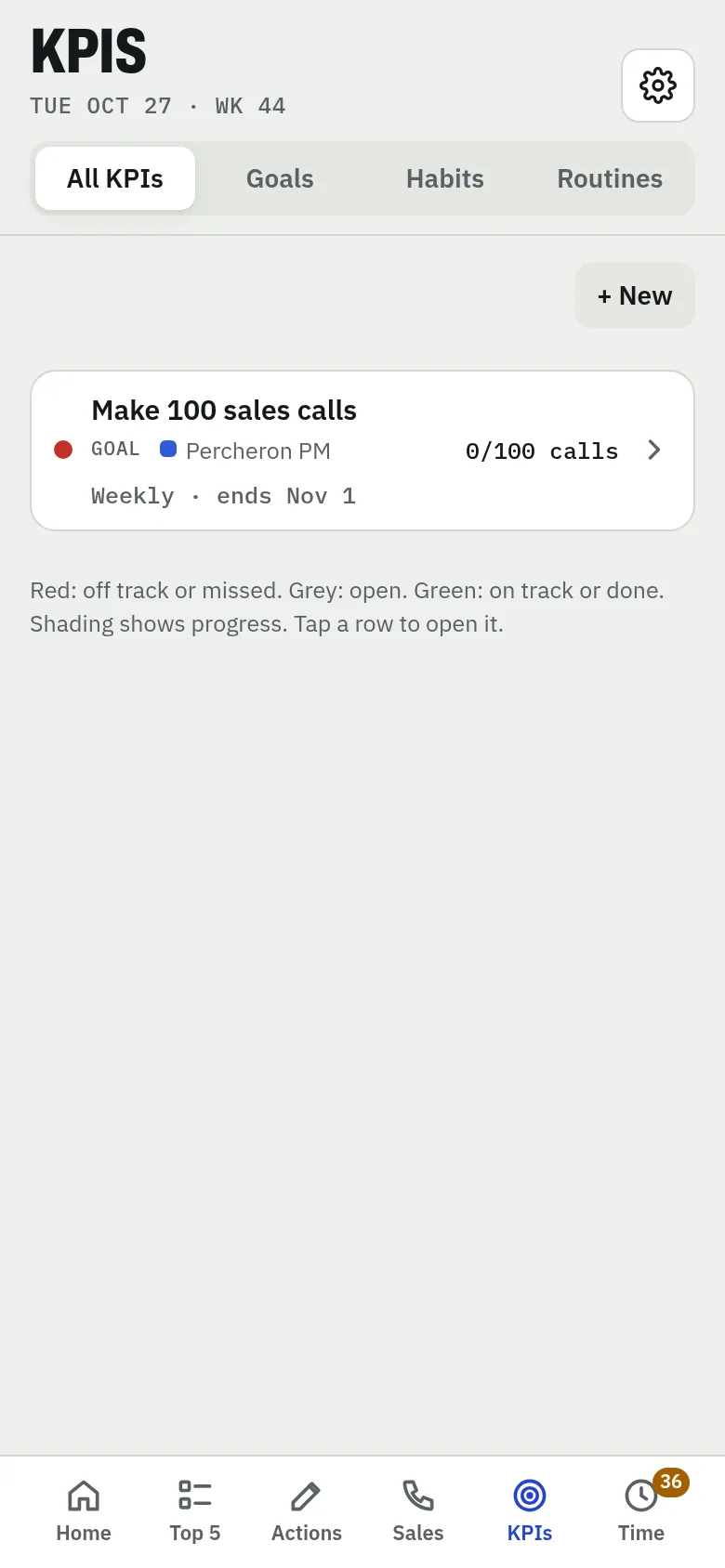
Goals and habits show live progress, so you always know where you stand.
Haptics & celebrations
Multi-sensory feedback — buzzes and visual celebrations — to build habit loops that stick.
Actions
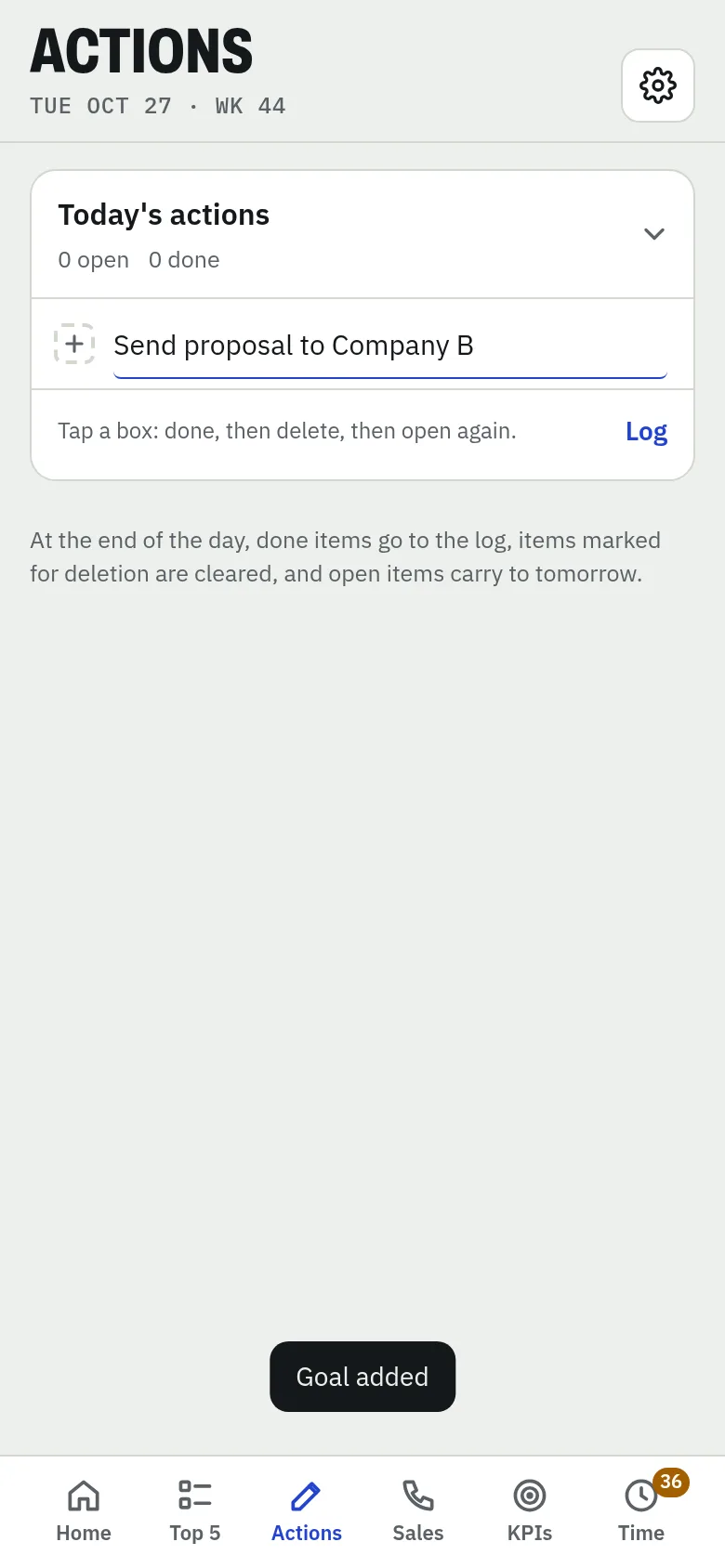
A quick jotting pad that works like scrap paper, except you never lose anything. Built for on the go.
Timesheet
Simple logging in 15-minute blocks.
Tags
Show which project or area of your life each time entry and goal belongs to.
Pacer
Get nudged to log time at set intervals, as often as every 15 minutes.
Reports
Export a CSV to review in Excel, or share with a mentor or a friend.
Private
All on your phone. It's you, it's your data — no servers, no sync, no waiting for a signal.
Sales mode
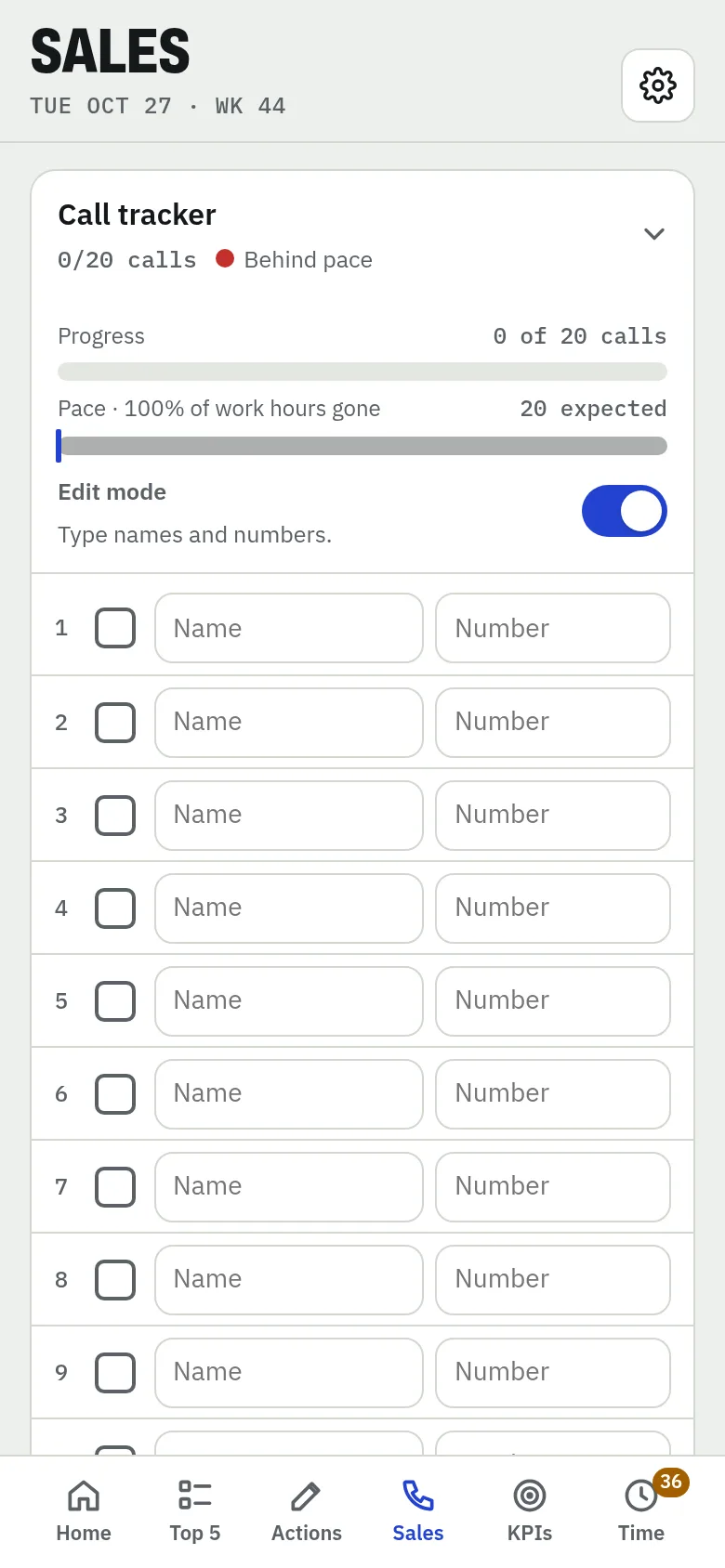
A call KPI tracker that helps you build your list in the morning. Add the number in the editor and it's click-to-dial. Pair it with a target-based goal for your monthly sales number and watch progress on your home screen.
Habits
Set a habit as yes/no or as a target. Click to count, click to complete. Press and hold to mark incomplete — a negative buzz reinforces the miss, while completions send positive feedback to help the habit form.
Every screen, one spot
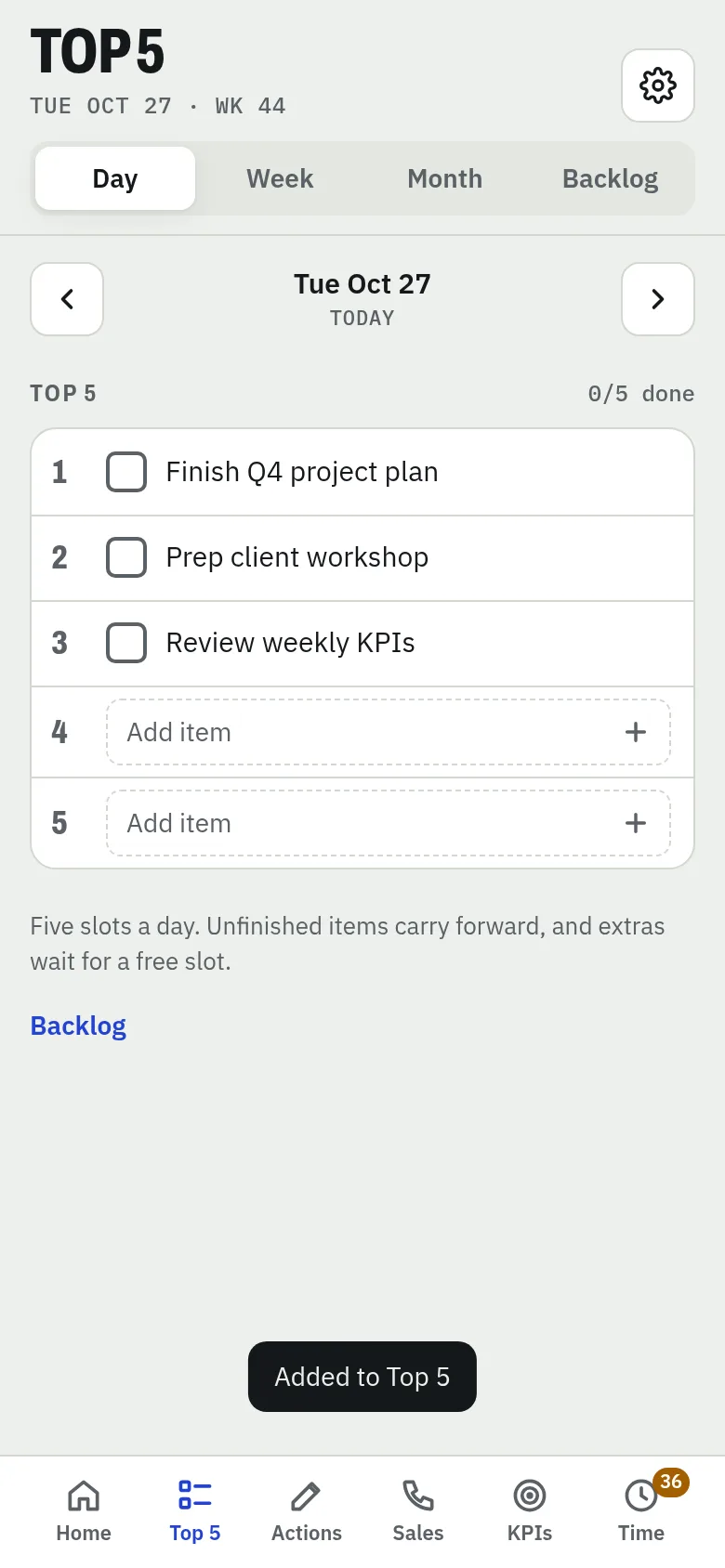
Top 5
Five things that matter today. Unfinished items carry forward.
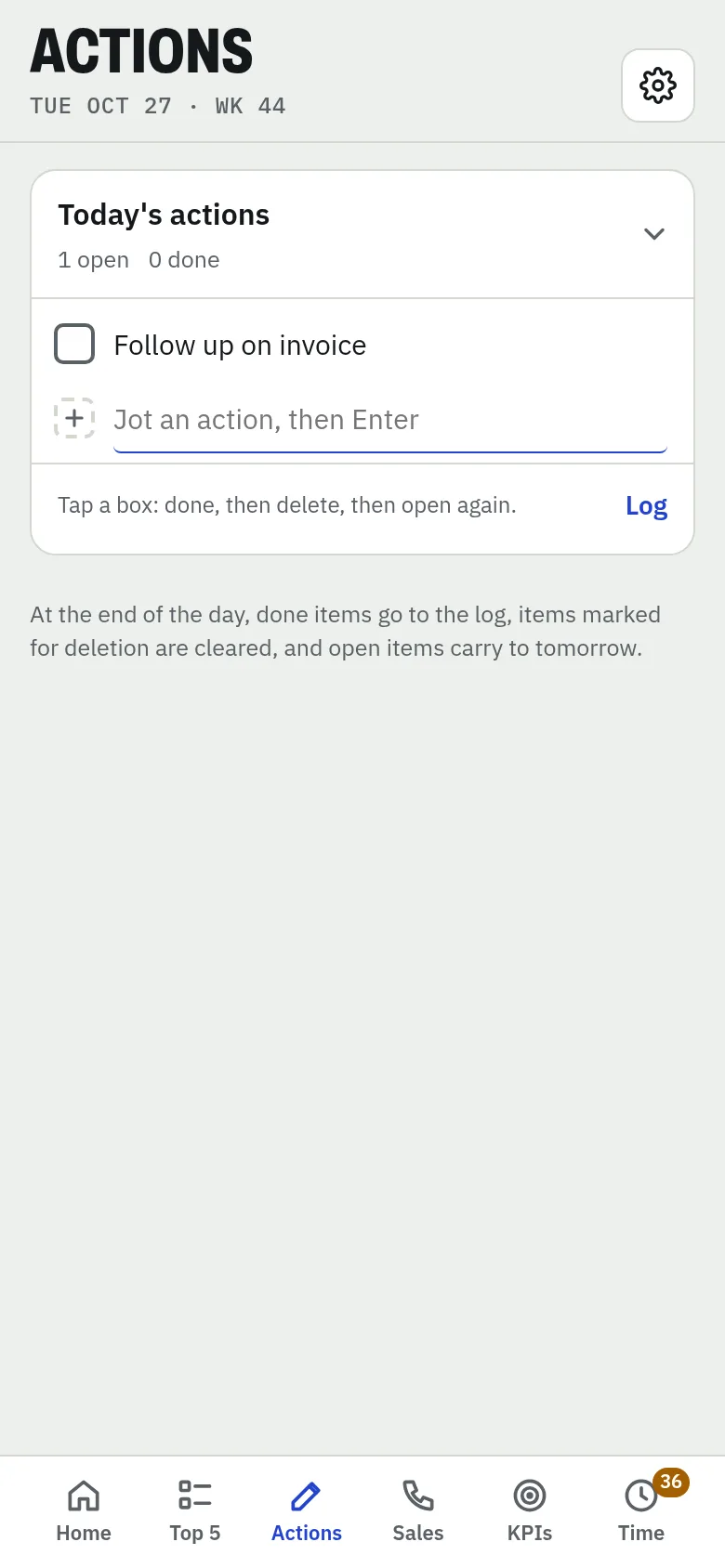
Actions
Quick jots. Done goes to the log, open carries to tomorrow.
KPIs
Goals, habits and routines with live progress.
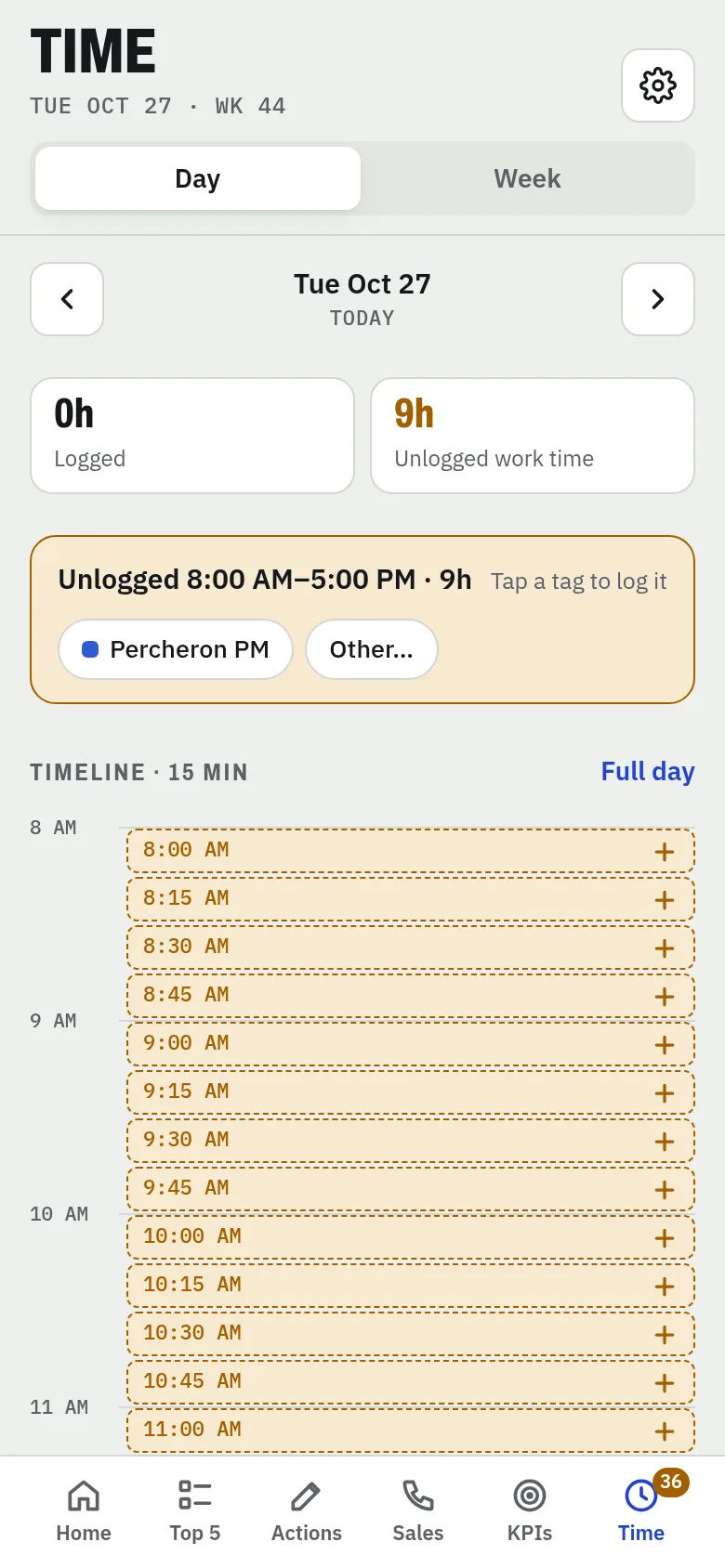
Time
Log your day in 15-minute blocks by tag.