 Relentless
How it works
Real screens from the app, step by step.
Tap + to add anything
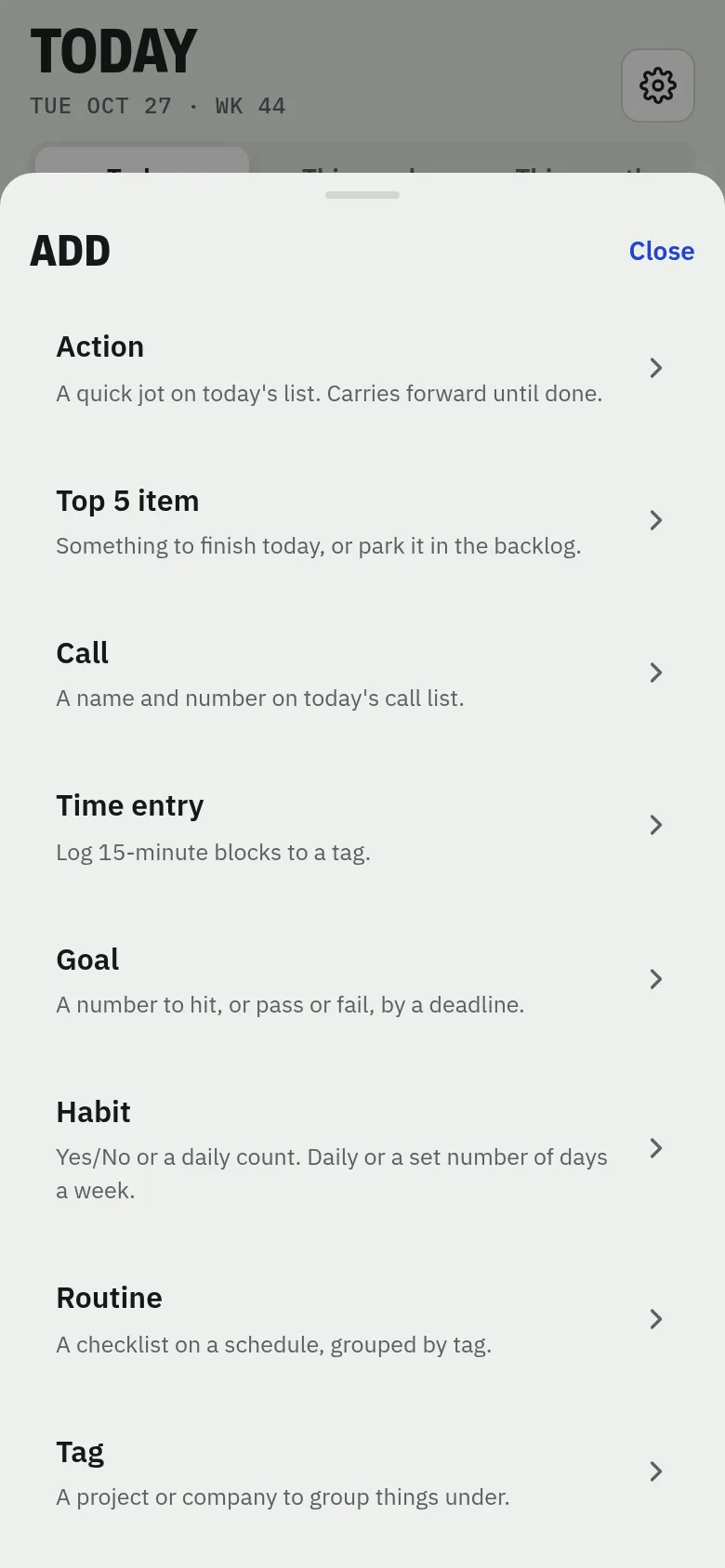
From the Today screen, tap the blue + button. Pick what you want to add: an action, a Top 5 item, a call, a time entry, a goal, a habit, a routine or a tag.
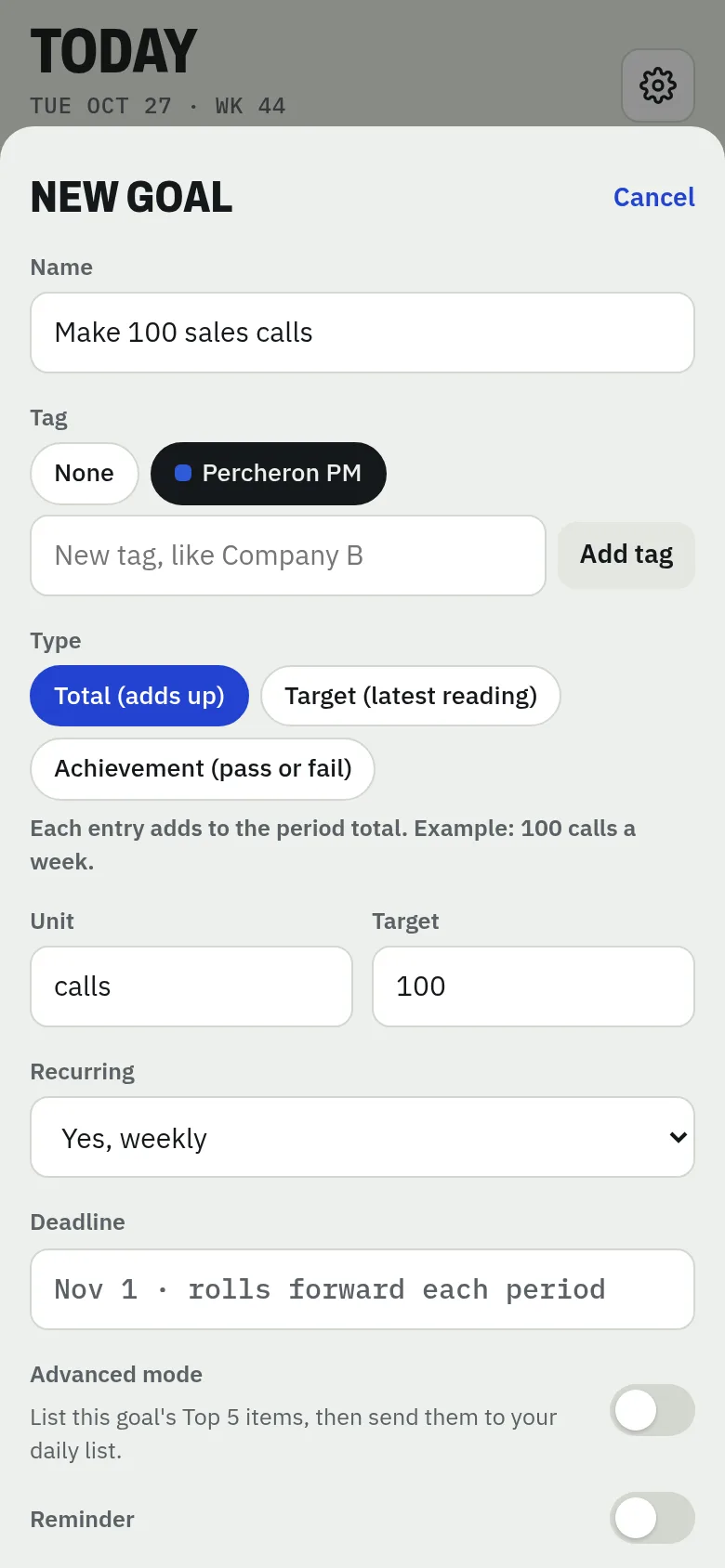
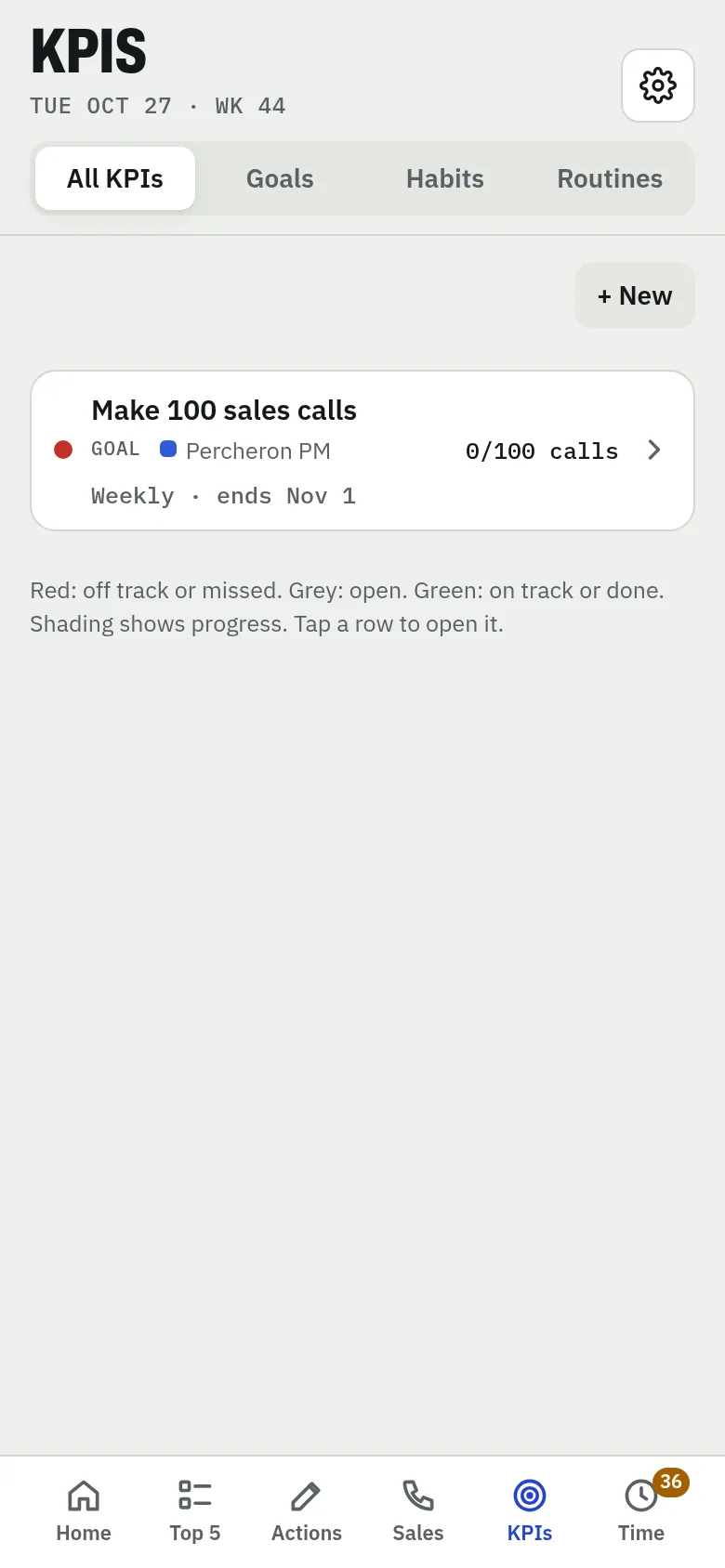
Add a goal
Choose Goal. Give it a name, an optional tag, and a type — Total (adds up), Target (latest reading) or Achievement (pass or fail). Set the unit, target and whether it repeats, then tap Add goal.
Set your Top 5
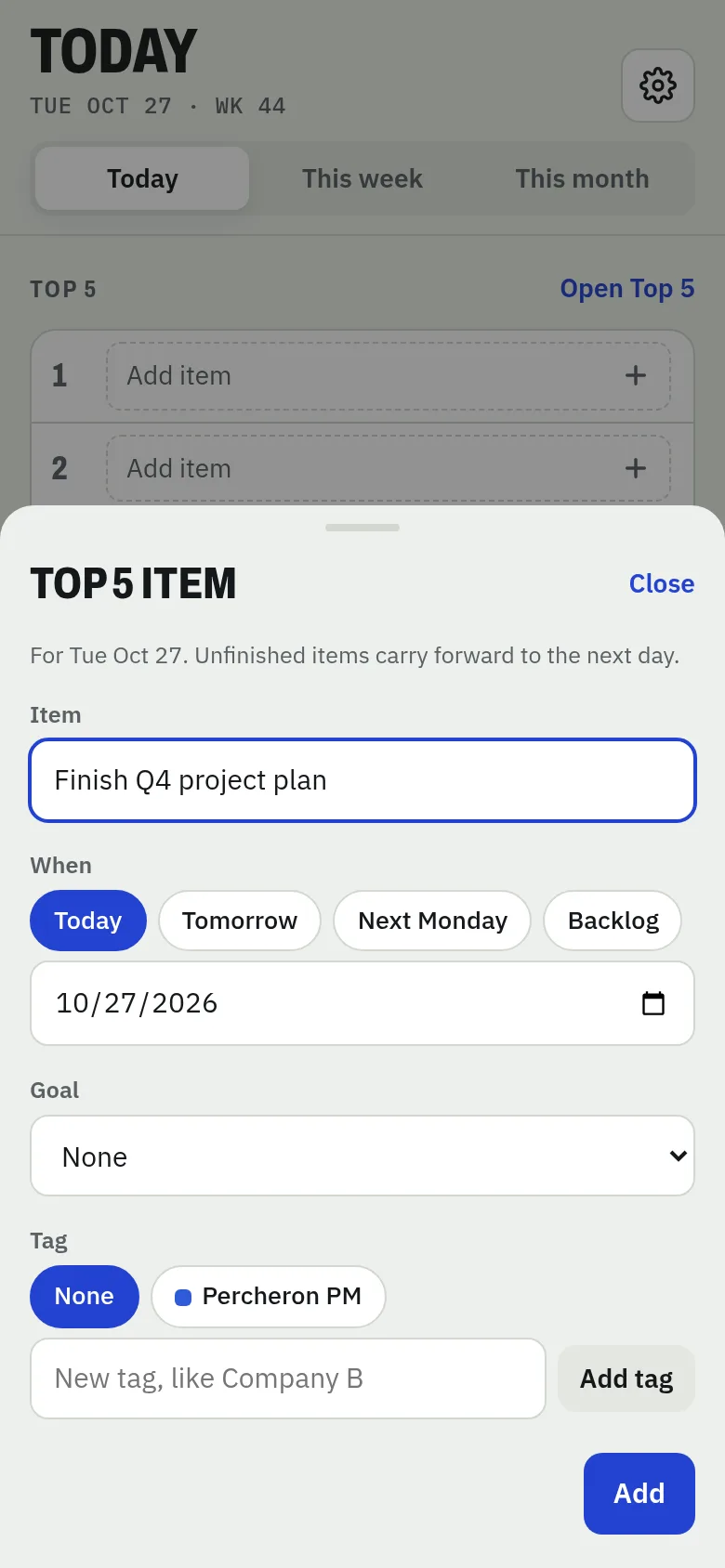
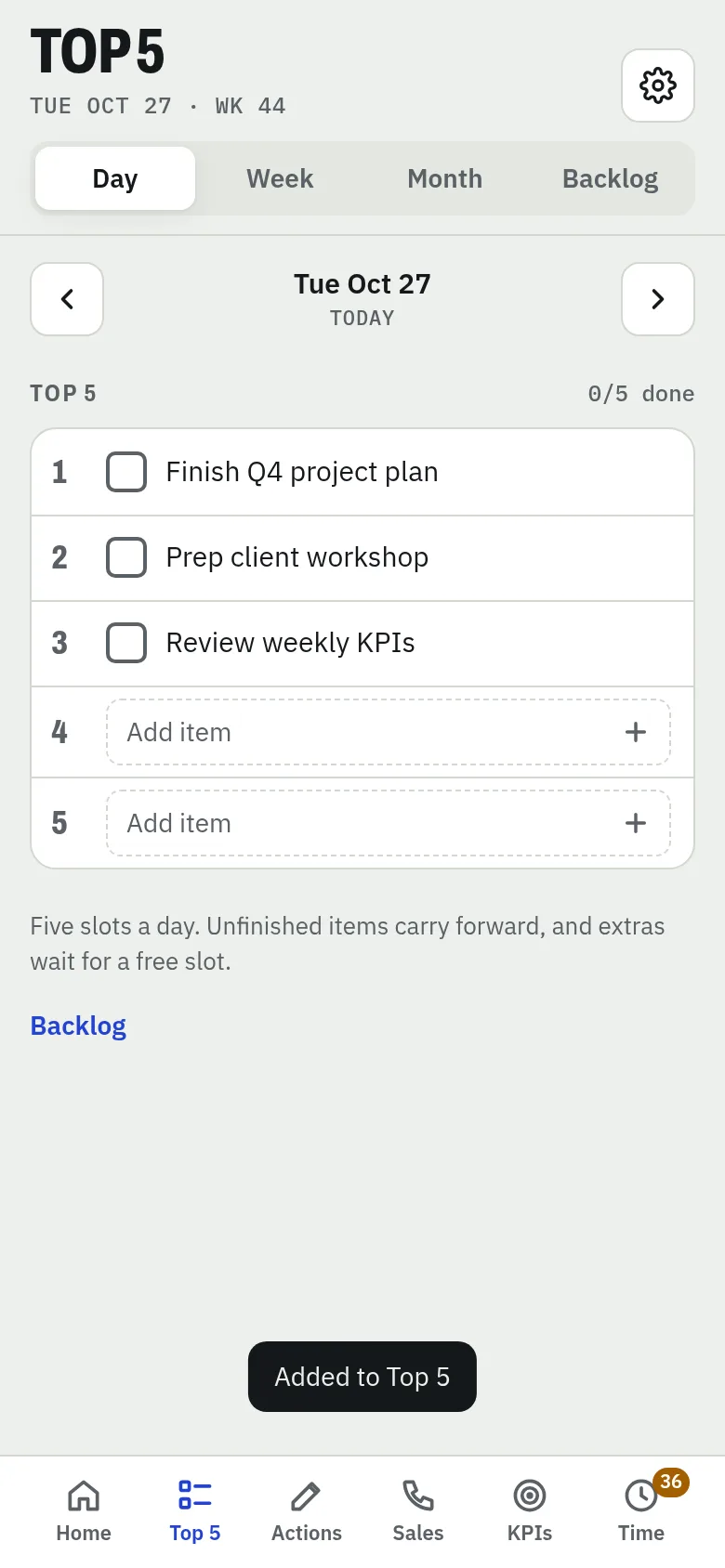
Choose Top 5 item, or tap any empty slot. Type the item, pick when (Today, Tomorrow, Next Monday or Backlog), link it to a goal or tag, and tap Add. Unfinished items carry forward.
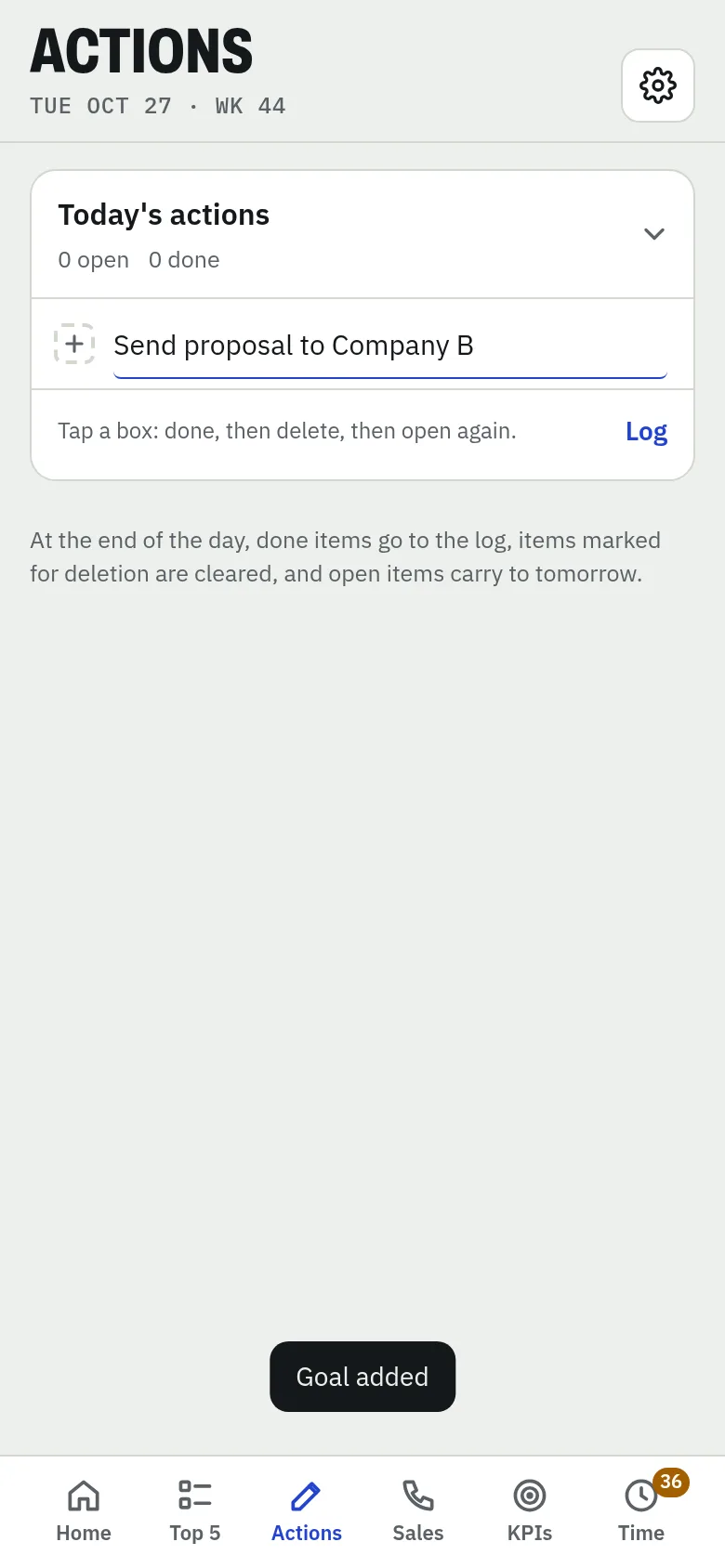
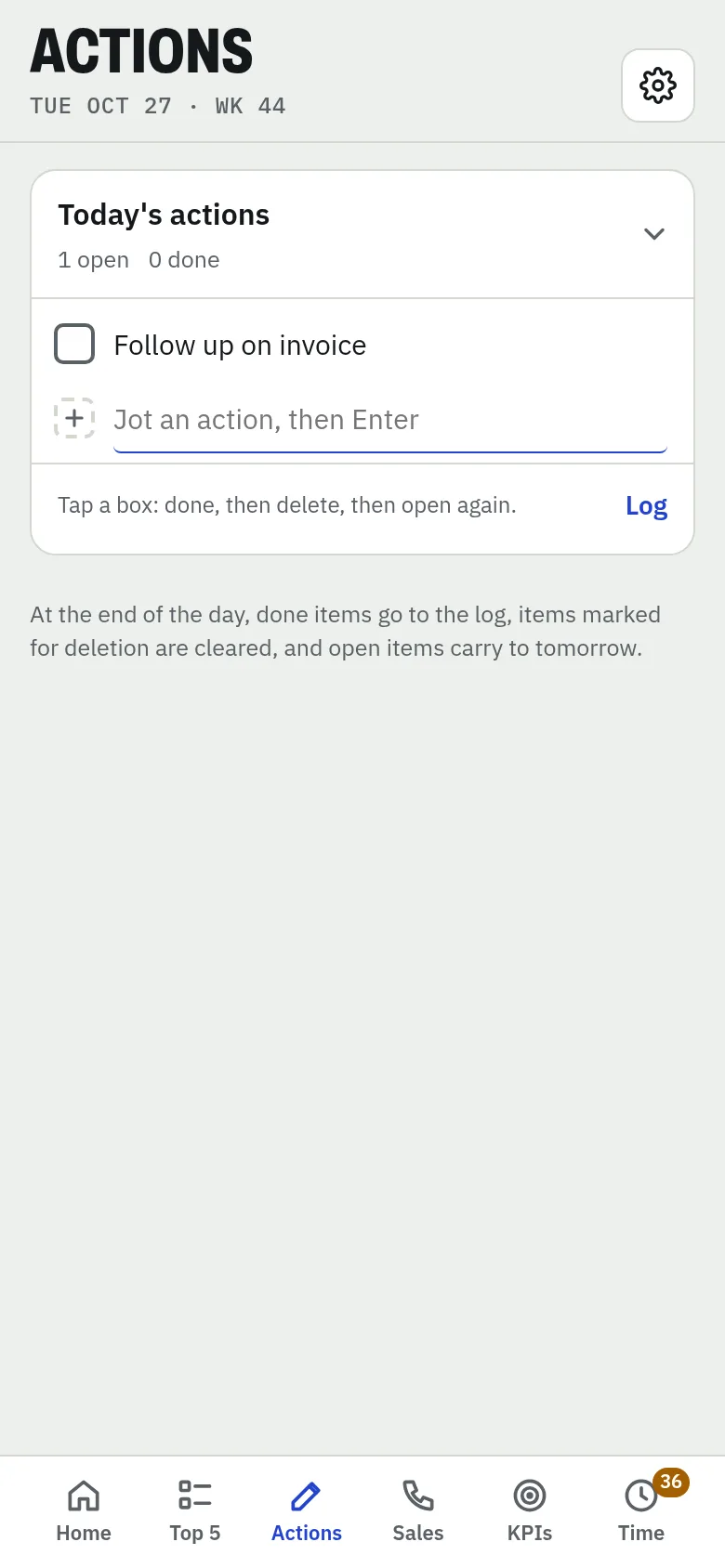
Jot an action
Choose Action and type it, then press Enter. Tap a box to mark it done, tap again to mark for deletion. At the end of the day, done items go to the log and open ones carry to tomorrow.
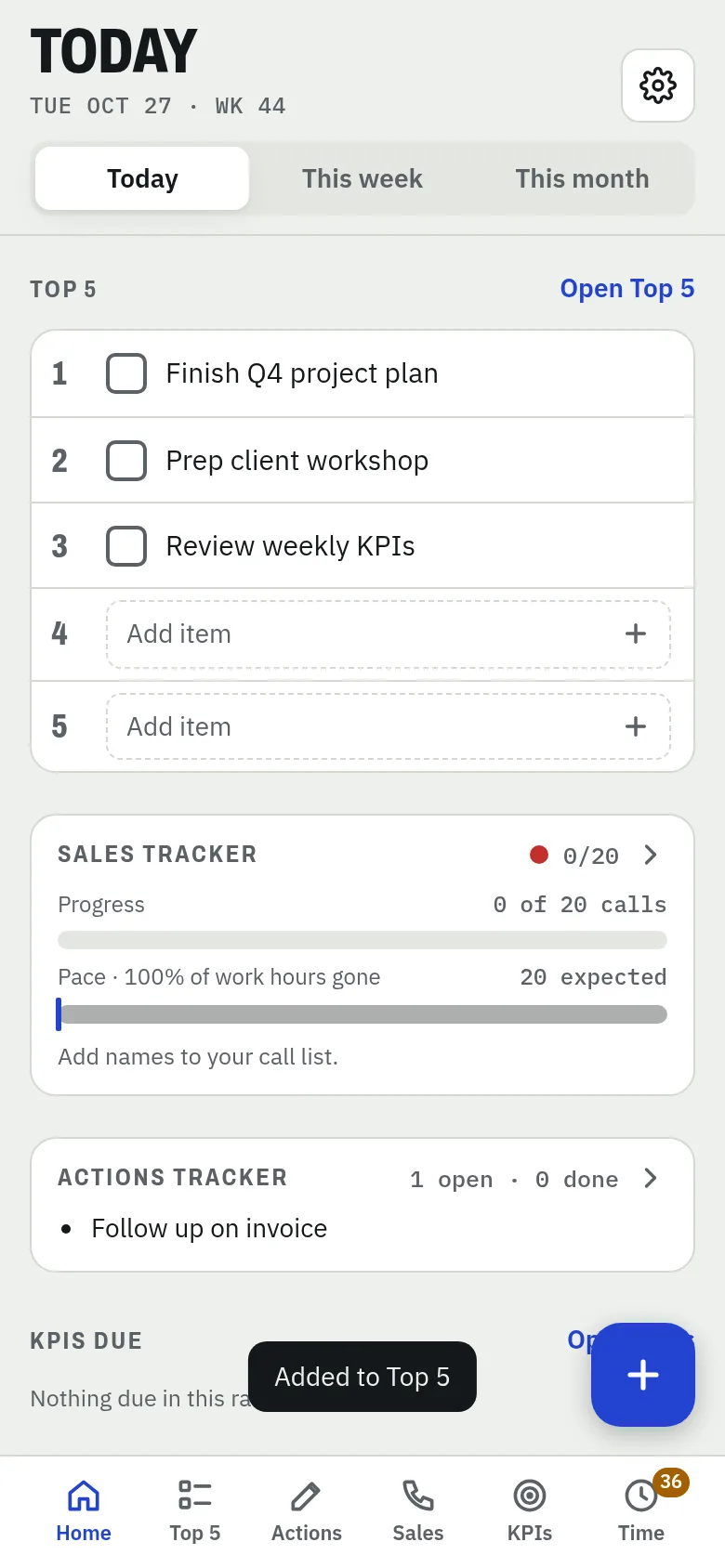
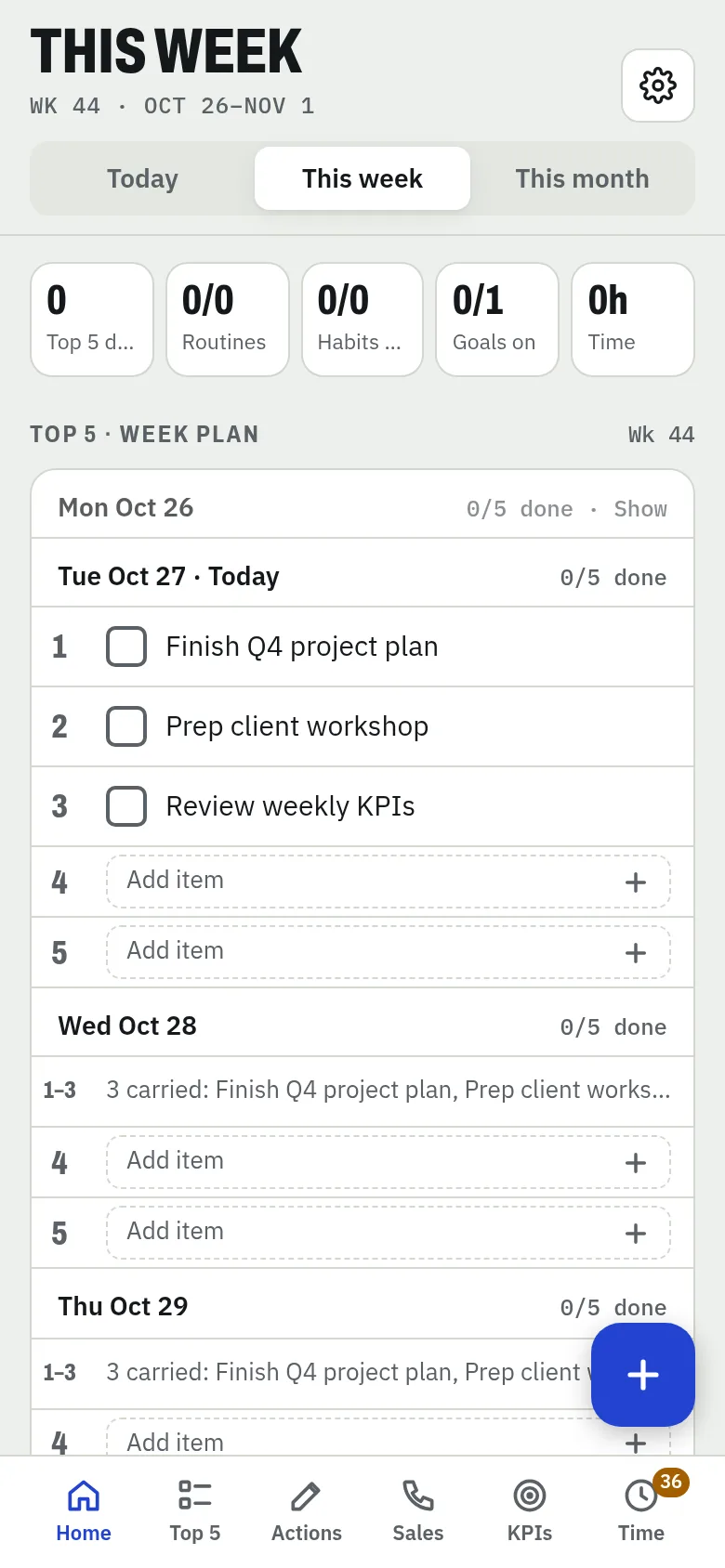
See it all on Today
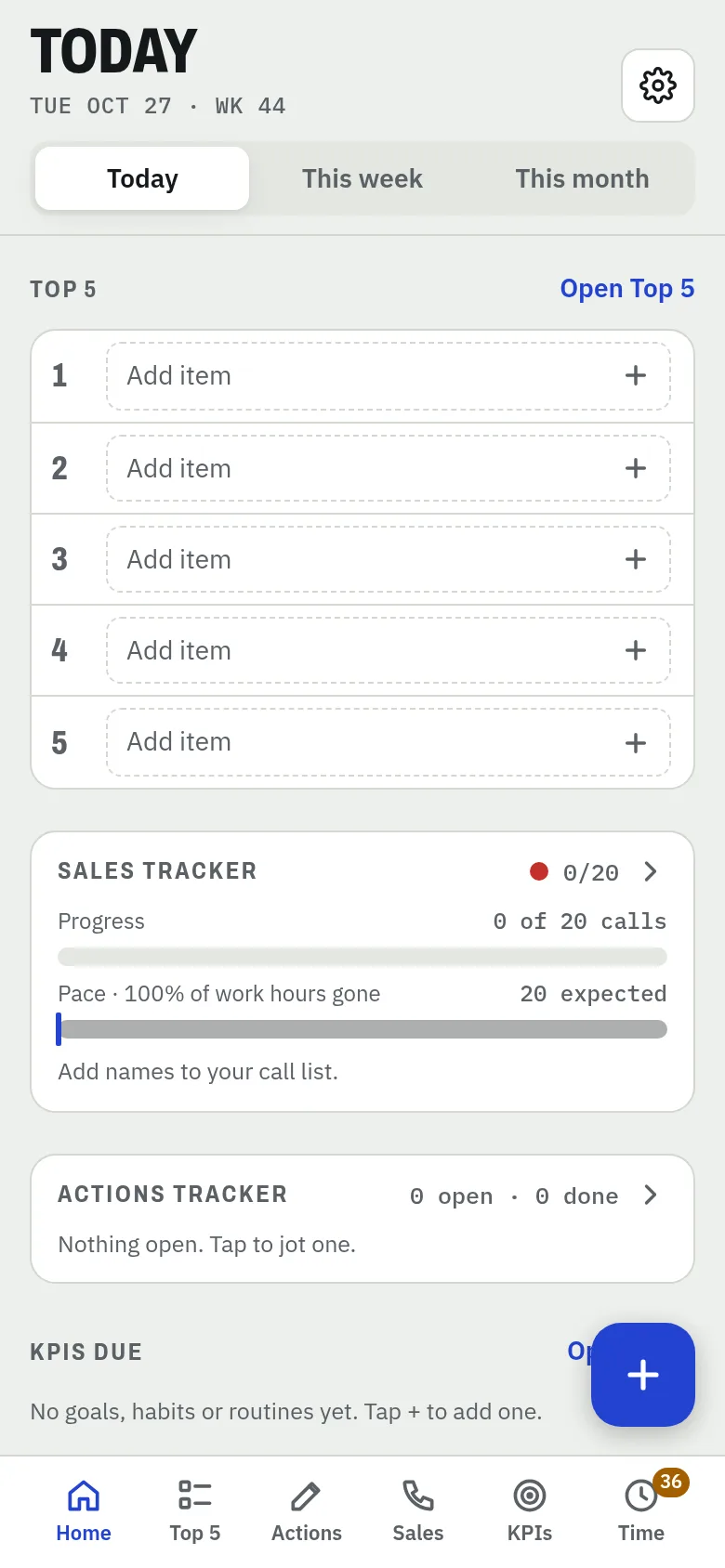
Your Top 5, sales tracker, open actions and KPIs due — one screen. Switch to This week or This month to zoom out.
Screen tour
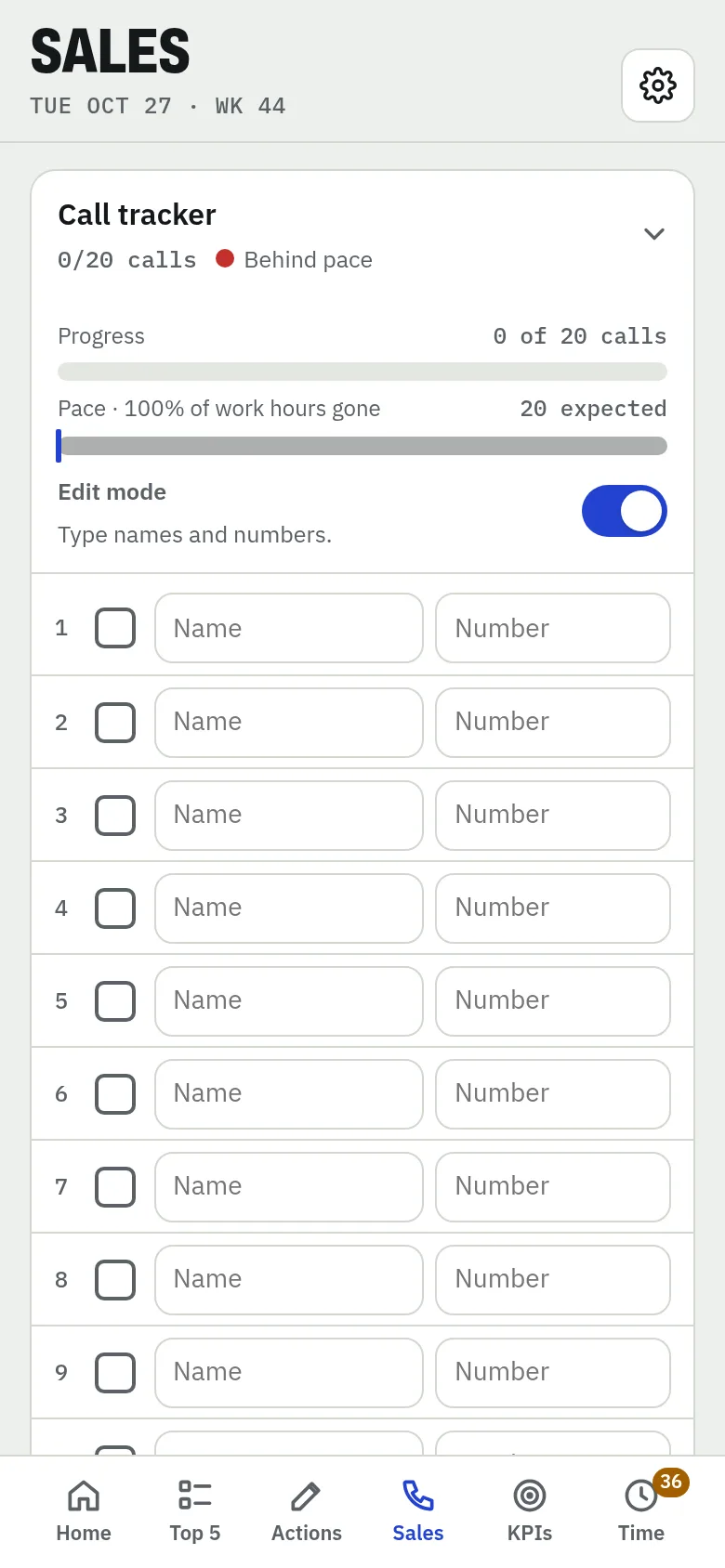
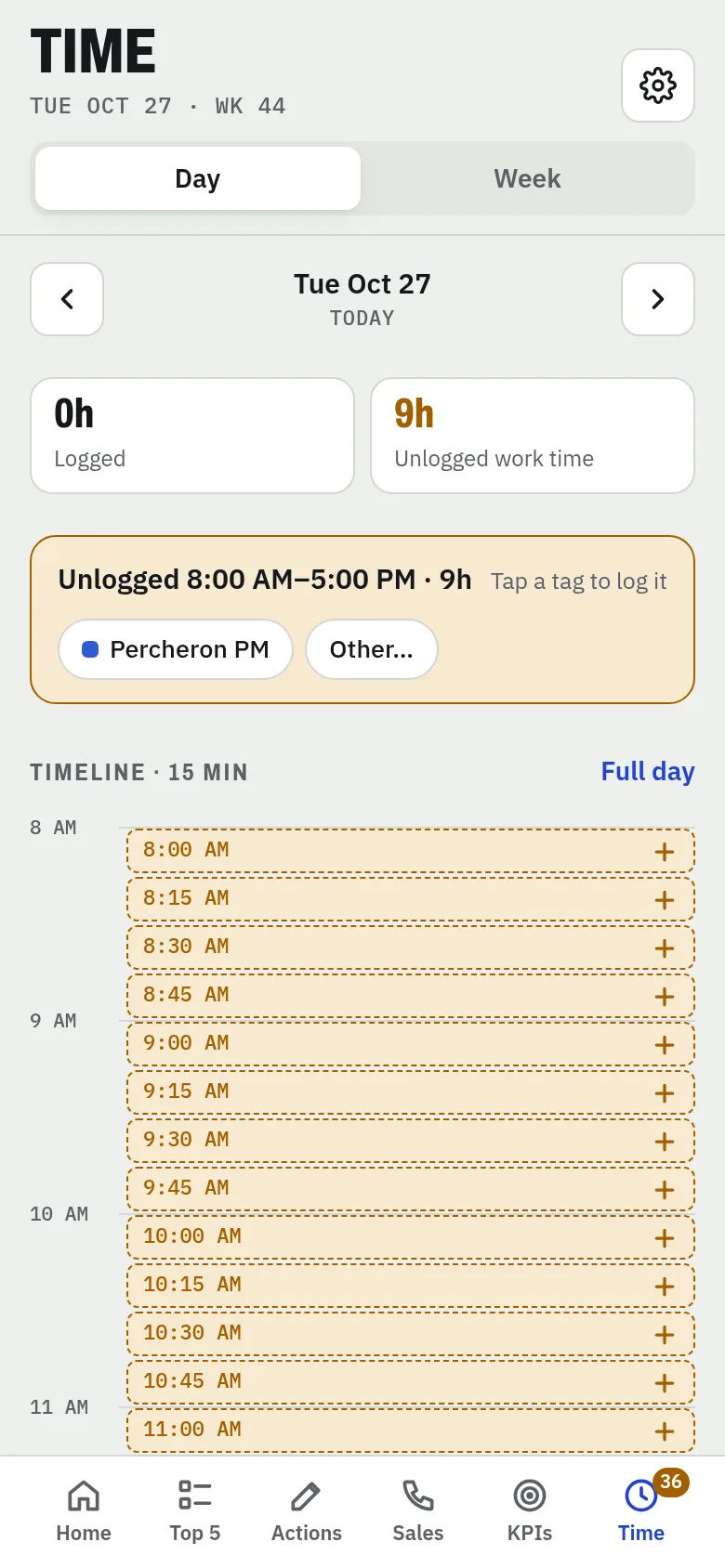
The six tabs along the bottom of the app.